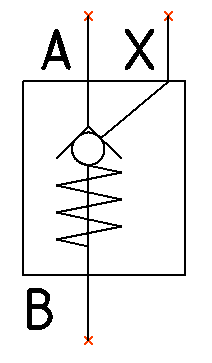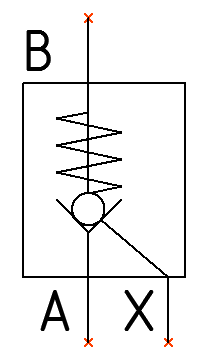
Flip a symbol horizontally or vertically. The associated text is constrained to remain horizontal.
Flip Horizontal
Symbol inserted in the drawing.
1. Click
Circuit >  Flip
Horizontal from the Modify Symbol option on the HyDraw® CAD ribbon
menu.
Flip
Horizontal from the Modify Symbol option on the HyDraw® CAD ribbon
menu.
The Select Symbols command displays.
2. Select a single or multiple symbols.
3. After selection, press the Enter key.
The symbol flips horizontally.
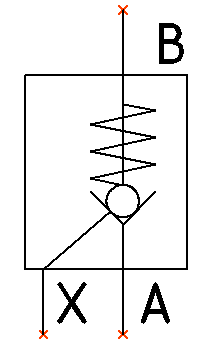
Flip Vertical
Symbol inserted in the drawing.
1. Click
Circuit >  Flip
Vertical from the Modify Symbol option on the HyDraw CAD ribbon
menu.
Flip
Vertical from the Modify Symbol option on the HyDraw CAD ribbon
menu.
The Select Symbols command displays.
2. Select a single or multiple symbols.
3. After selection, press the Enter key.
The symbol flips vertically.