
Select Manufacturer database to search components.
1. Click Services > Data Access Settings on the FluidPowerTools section of the HyDraw® CAD ribbon menu.
The FluidPowerTools.com Data Access Settings dialog box displays.
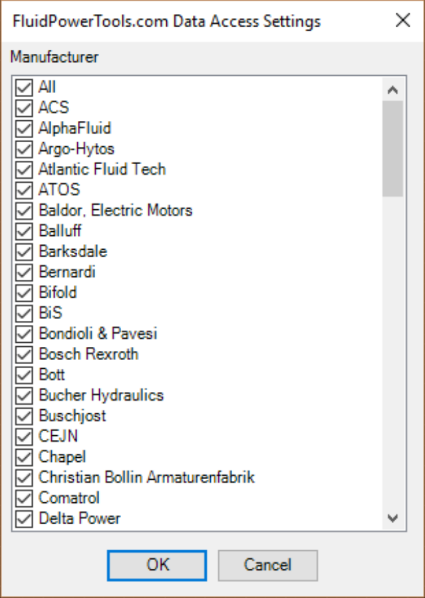
2. Select the required manufacturers from the list and click OK.