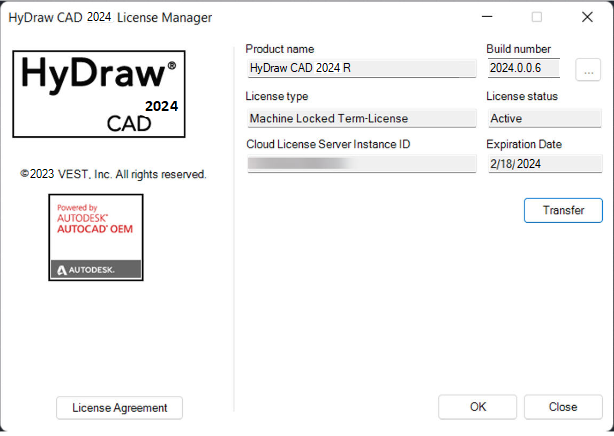
Click Help > Help > License Information.
HyDraw CAD 2024 License Details dialog displays.
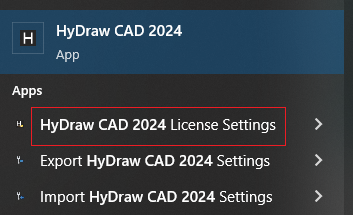
Alternatively select,
Start menu > HyDraw CAD 2024 > HyDraw CAD 2024 License Settings
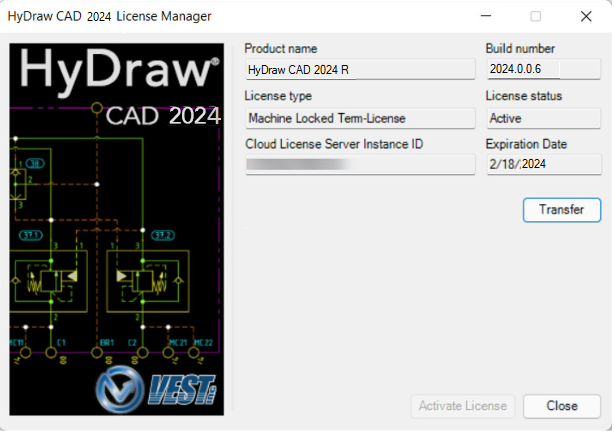
The HyDraw CAD 2024 License Manager dialog box displays.
Transfer License
1. Click Transfer to switch the HyDraw Standalone license to a different computer/system.
HyDraw CAD 2024 Authorization dialog displays.
2. Click Next and Create Request.
License Transfer warning displays.
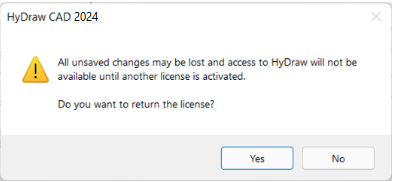
3. Click Yes.
The license is transferred off the system and is now available for use within another system.
4. Use the same CLS ID used for the former system and enter that CLS ID into the new system when activating HyDraw CAD.