1. Select Circuit > in the HyDraw® CAD 2026 ribbon menu.
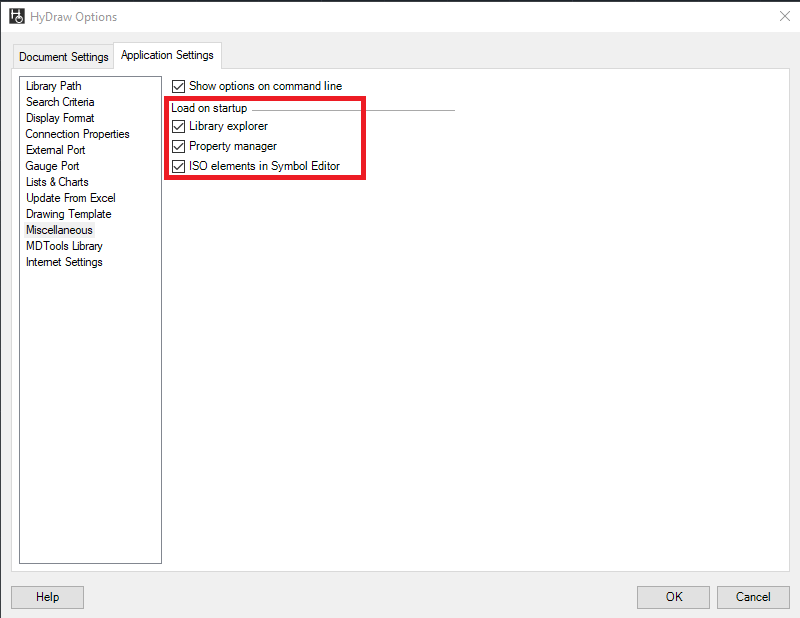
2. Click the Application Settings > Miscellaneous tab.
3. Select the Property manager checkbox from the Load on startup group box.
 in the HyDraw® CAD 2026 ribbon menu. in the HyDraw® CAD 2026 ribbon menu.