
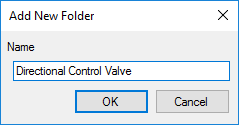
Add New Folder
1. Right-click the required folder in the library folder section and select Add New from the context menu.
or Click  button on the caption bar.
The Add New Folder dialog box displays.
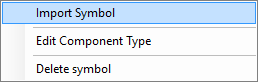
2. Select the Import Symbol option from the middle section caption bar drop-down.
The Import Symbol from Parent Library dialog box displays.
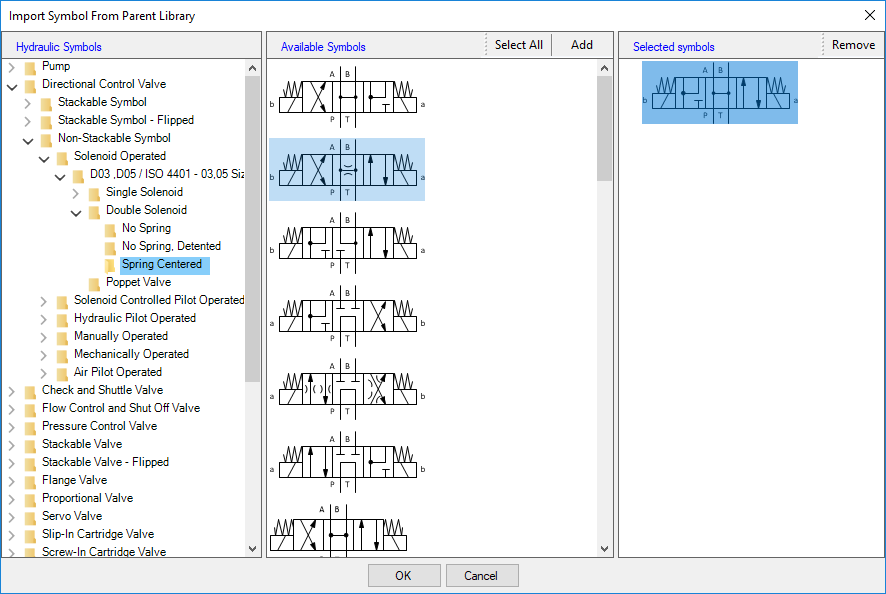
3. Traverse through the library on the left pane and select the required folder.
The available symbols are listed in the middle pane.
4. Click Select All to select all the symbols.
Or
Click the symbol to select.
Or
Press Ctrl + symbol to select more symbols.
5. Click the Add button.
The selected symbols are listed in the right pane.
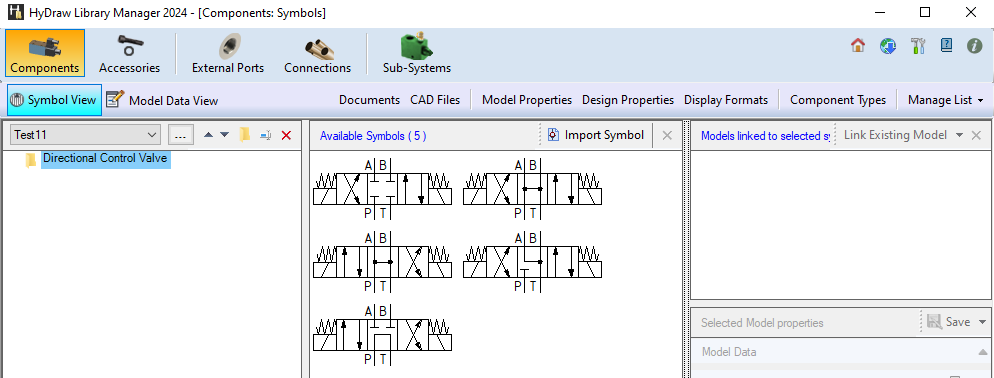
6. Review and remove the symbols that are not required by clicking the Remove button.
7. Click OK to import the symbols.