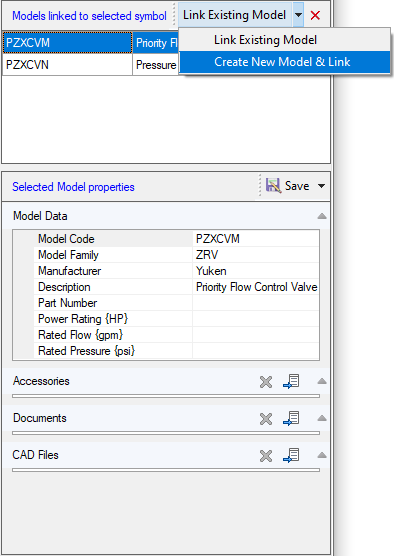
1. Click on the Down Arrow  and Select the Create New Model & Link.
The Create New Model dialog box displays.
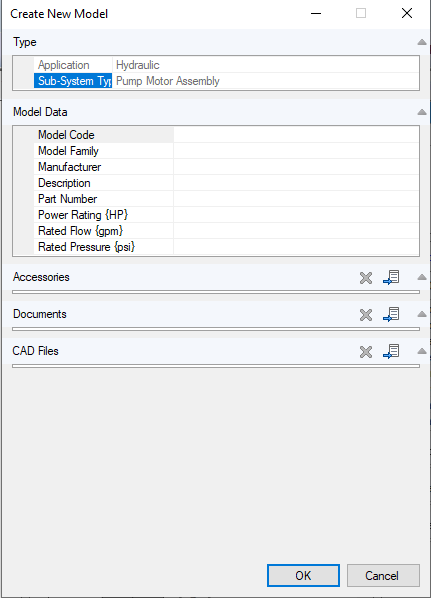
2. Create a new model for the selected symbol and link.
3. Enter model data, link accessories, documents and CAD files.
4. Click OK to link the selected symbol.