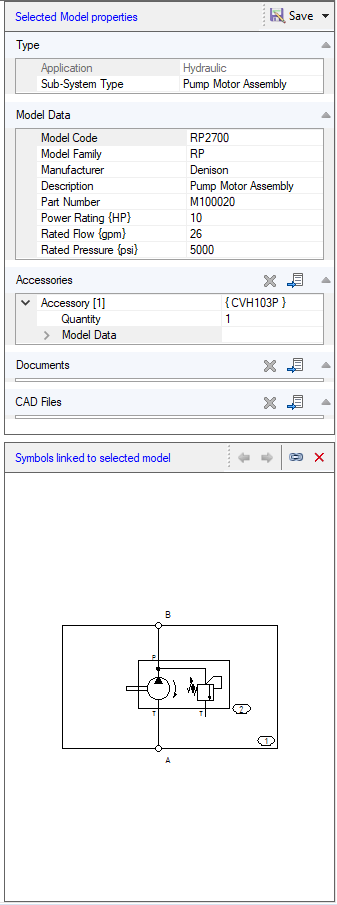
The Selected Model properties section displays the properties of the selected model.
Change the property of the model in the Model Data section.
1. Enter new properties and click Save to save the model properties.
2. Click Save As to save it as a new model.
You can also link accessories, documents, CAD files and symbol to the selected model.
Note:
You can link a single accessory or multiple accessories from library:
Drag select, and then click OK in the Link Accessory dialog.