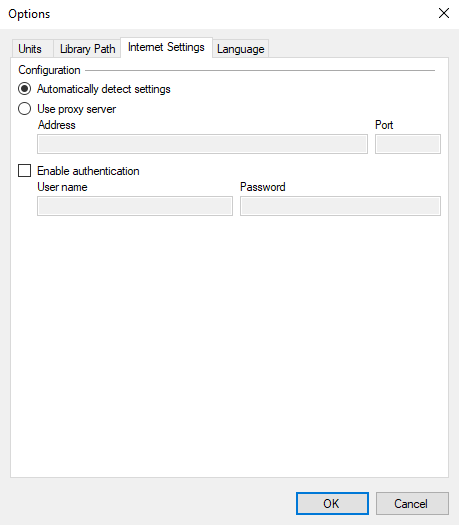
Configure the Internet settings of the HyDraw Library Manger to access FluidPowerTools.com.
Options dialog box > Internet Settings tab
Automatic Settings Detection
If your computer is connected to the Internet through a direct LAN connection, then select the configuration option, Automatically detect settings.
Proxy Connection
If your computer is connected to the Internet through a web proxy server, then select Use proxy server.
Configure the proxy settings
1. Options dialog box > Internet Settings tab > Configuration > Use proxy server.
2. Enter Address.
3. Enter the Port number.
4. Enter authentication details, if required.
Refer settings that may be already defined in your web browser.
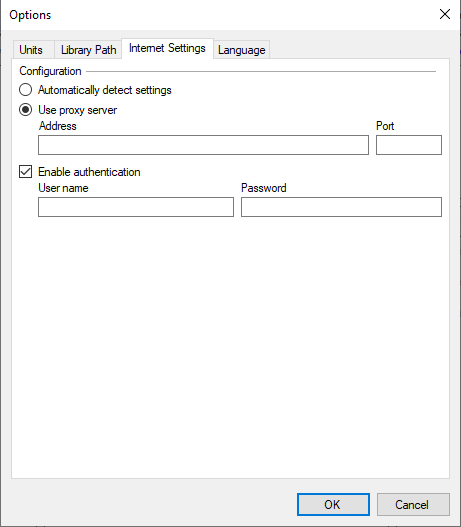
5. Click OK to save.