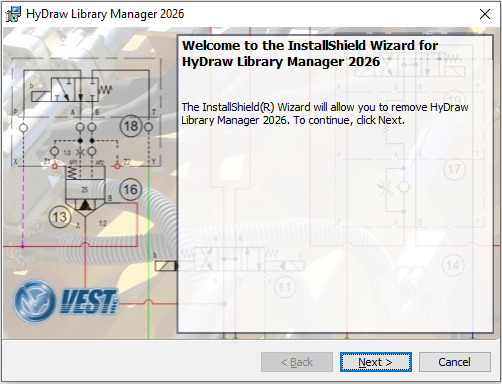
1. Run the self-extracting exe, HyDraw Library Manager 2026-x64-R-EN Setup.exe/HyDraw Library Manager 2026-x64-R-IT Setup.exe from the downloaded installation and unzip.
The installation program starts and guides you through the installation process.
2. Browse through the Readme from the download page.
HyDraw Library Manager 2026 is installed on the system and displayed in the Windows Start > All Apps > VEST
Installation Wizard