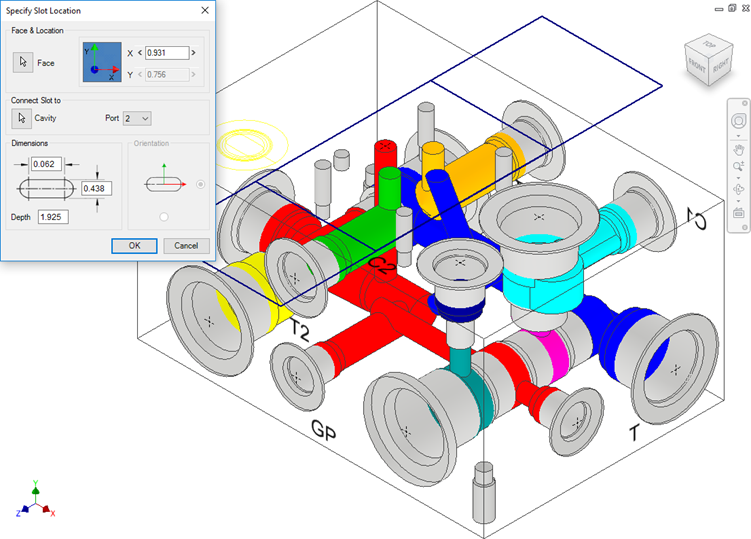
Connect a new slot to an existing cavity in the manifold.
1. Click the selection button for Cavity.
2. Select the connecting cavity.
3. Select the connecting port on the cavity.
MDTools® automatically relocates the slot with cavity to the port center and displays the slot diameter, width and depth.
4. Modify slot dimensions.
Default value of the slot diameter would be the connecting cavity port diameter.
Slot diameter plus width should not be larger than the parent cavity maximum drill diameter.
5. Modify the depth of the slot.
Default value of the slot depth would be the center distance
between the parent cavity and the connecting cavity.
Slot depth should not be less than the center distance between the parent
cavity and the connecting cavity.
6. Click OK.
MDTools creates a new slot with the cavity at the specified location and connects the slot to the selected connecting cavity.
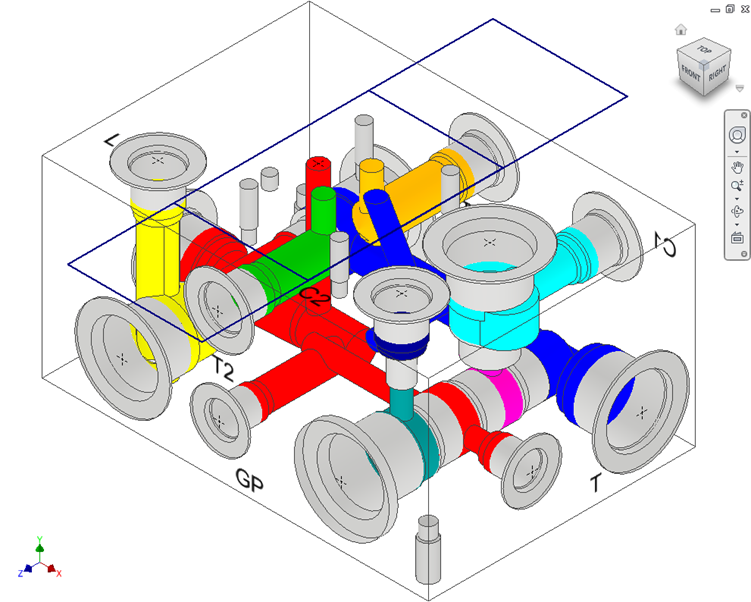
Note
§ The connect slot to cavity option only works with cartridge valves.
§ Orientation of slot depends upon the connecting cavity axis.