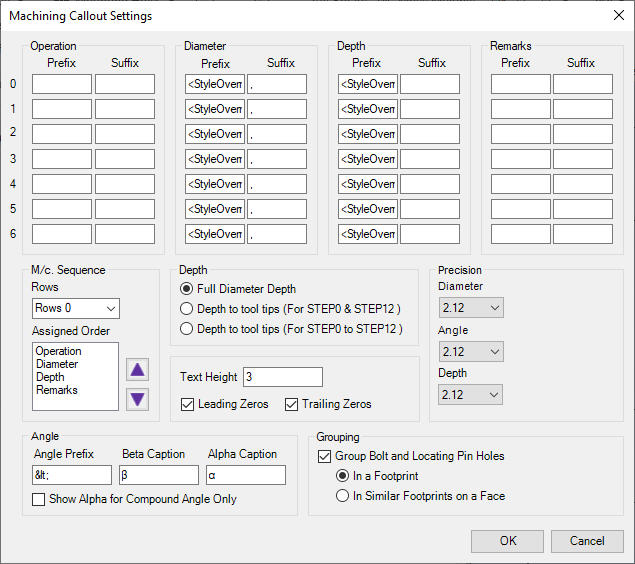
1. Specify prefixes and suffixes for the machining rows.
2. Configure the sequence of columns from the M/C Sequence group.
3. Specify the Precision values for Diameter, Depth & Angle.
4. Specify the text height for the callout text.
5. Select Show Leading Zero to display the leading zero for the operation Diameter, Depth & Angle.
6. Select Show Trailing Zero to display the trailing zero for the operation Diameter, Depth & Angle.
7. Select Show Alpha Angle to display the Alpha angle for the compound angle holes.
8. Specify the prefix for the angle and the captions for the Beta and Alpha angles.
9. Select Group Bolt and Locating Pin Holes to either group the Machining Callouts automatically for a Footprint or similar Footprints on a Face.
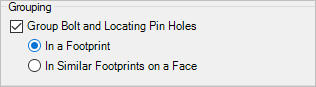
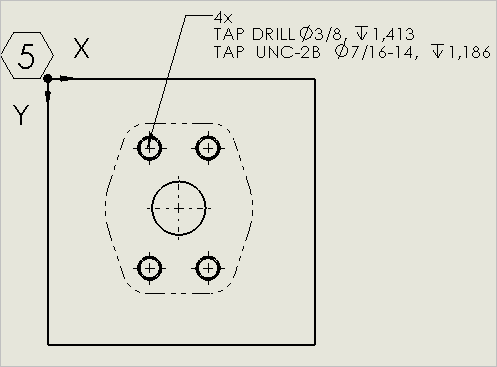
Machining Callouts:Grouping of Cavities within a Footprint
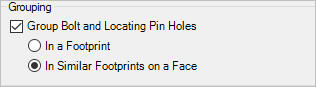
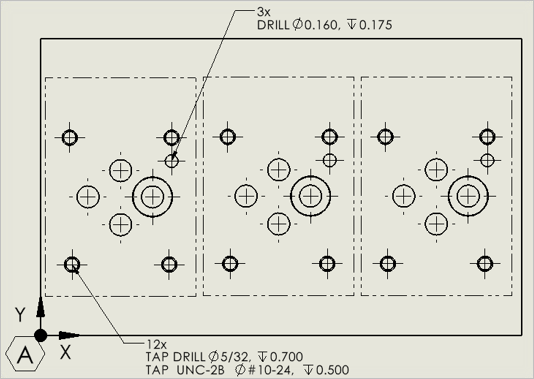
Machining Callouts:Grouping of Cavities within Multiple Footprint
10. Click OK.