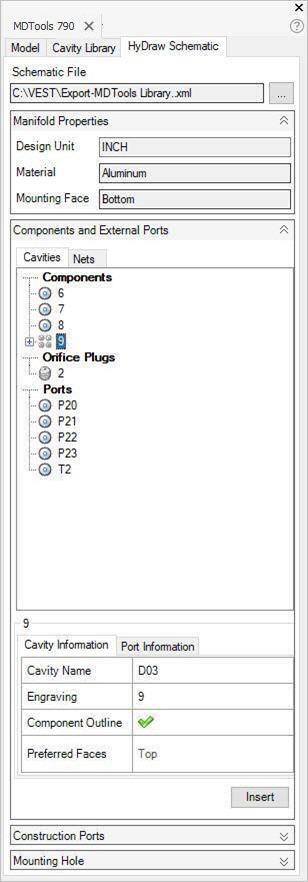
Automatically reads an XML/MBXML exported from HyDraw® schematic drawing.
Insert all the required cavities with connectivity information into MDTools®.
1. MDTools 790 ribbon > Insert panel > From HyDraw
The MDTools HyDraw Schematic page displays in the MDTools 790 browser.
2. Click  to browse to the required file.
The Select HyDraw File dialog box displays.
3. Select the required HyDraw XML/MBXML.
4. Click Open.
MDTools automatically populates the Cavity Explorer with all the components from the schematic drawing.
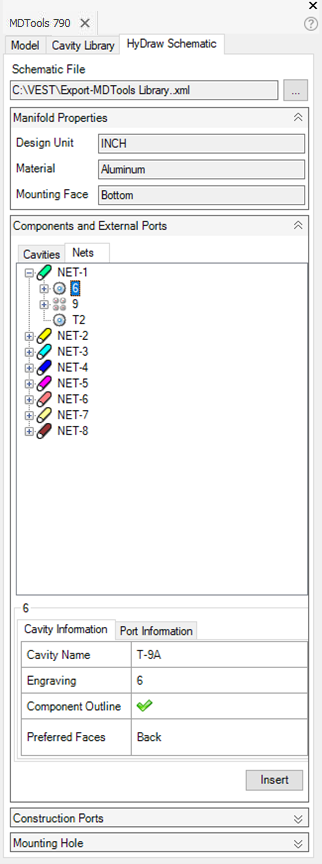
Note
To insert cavities, click Insert cavity from HyDraw Schematic.