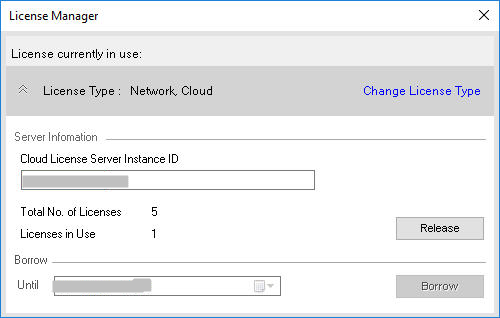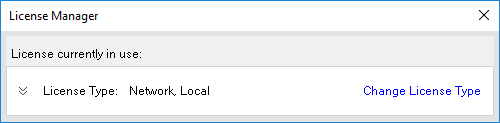
Change License Type
Change from Network Local to Network Cloud license or vice versa.
From the MDTools 965 Part Model, Drawing, or Assembly ribbon/dropdown menu..
1 Start > MDTools 965 > License Manager
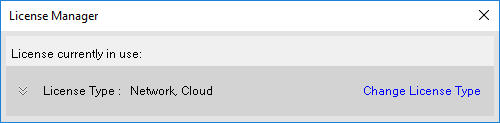
The License Manager dialog box displays.
License Type displays the current selection.
2 Click on the Expand  before
License Type to view/modify current license details.
before
License Type to view/modify current license details.
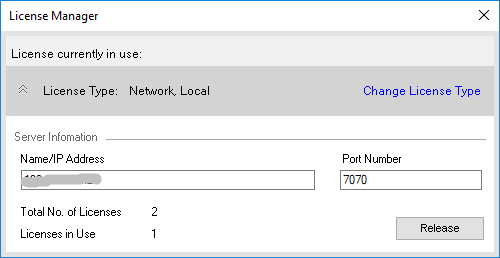
3 Click Change License Type to change the current License Model type.
4 Click Yes for the warning message "Your existing License will be released. Do you want to Continue?".
License Options dialog displays other options to Choose.
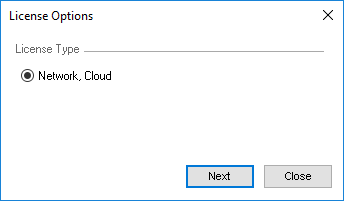
5 Select appropriate license type.
6 Click Next.
7 Enter License details according to the License Model selected.
8 Click Apply to activate License.
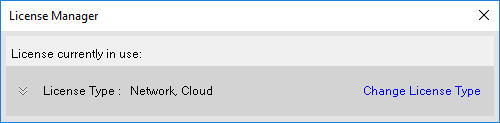
9 License Manager dialog displays the changed (current) License Type.
10 Click on Expand  option in
License Manager dialog to view/modify current license details.
option in
License Manager dialog to view/modify current license details.