Install MDTools 965
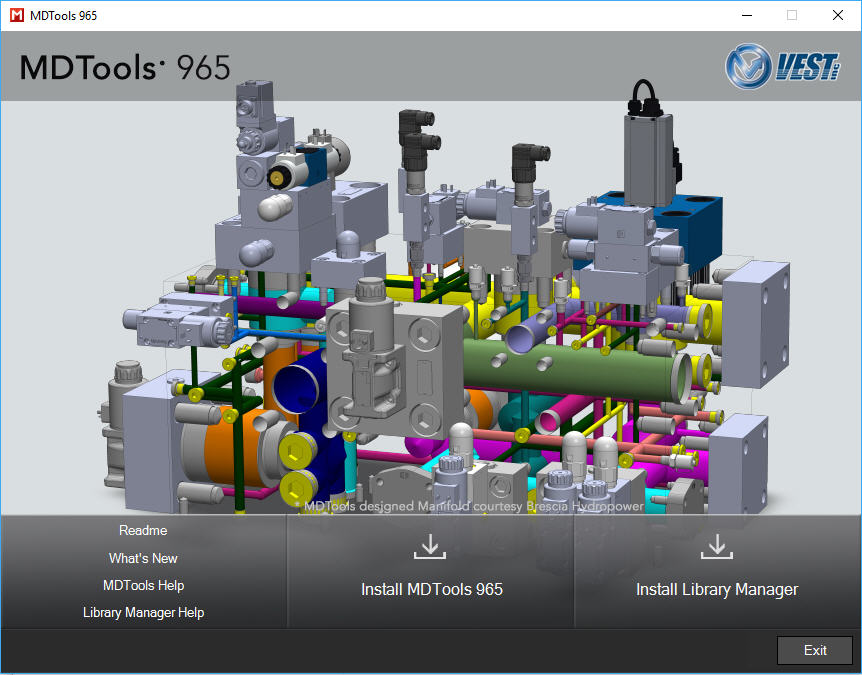
1 Download and run MDToolsStart.exe.
The MDTools® 965 setup dialog box displays.
2. Click Install MDTools 965.
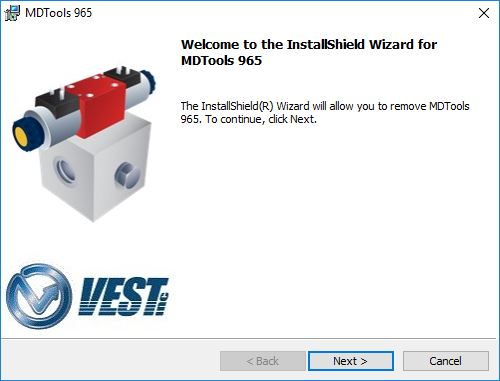
The InstallShield wizard for MDTools 965 displays.
3. Respond to all the setup program prompts.
MDTools 965 is installed on your system.
The installation program automatically creates the required directories
in your system.
MDTools 965 Installation Wizard