Install MDTools Library Manager
1. Click Install MDTools® Library Manager.
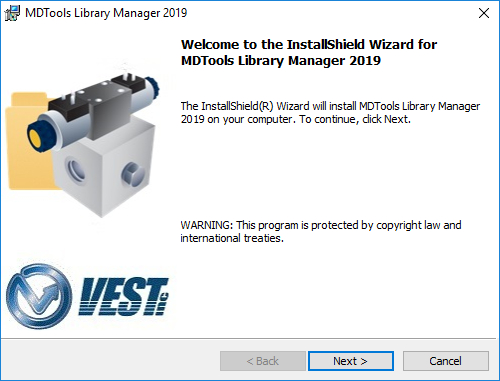
The MDTools Library Manager dialog box displays.
2. Respond to all the setup program prompts.
The MDTools Library Manager program is installed on your system.
Note:
· Install both MDTools and MDTools Cavity Library to use the MDTools software.
· Install the MDTools Cavity Library on the server to share it with your design team over a network.
MDTools Library Manager Installation wizard