Convert Manifold
Convert a virtual cavity design into a feature-based block design and vice versa.
Virtual design mode executes commands faster than the Feature design mode.
MDTools 980 > Block > Convert
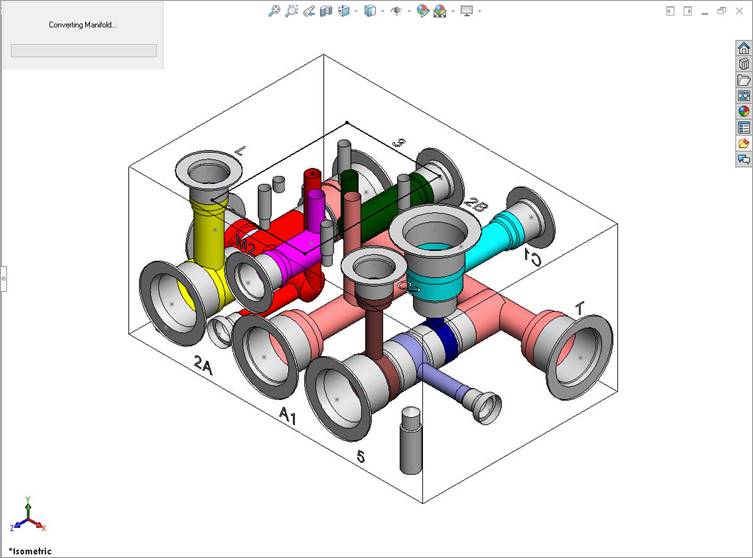
The Converting Manifold message displays.
Converting manifold from Feature Design mode
MDTools® automatically converts:
· A virtual cavity design into a feature-based design.
· A feature-based design into a virtual cavity design.
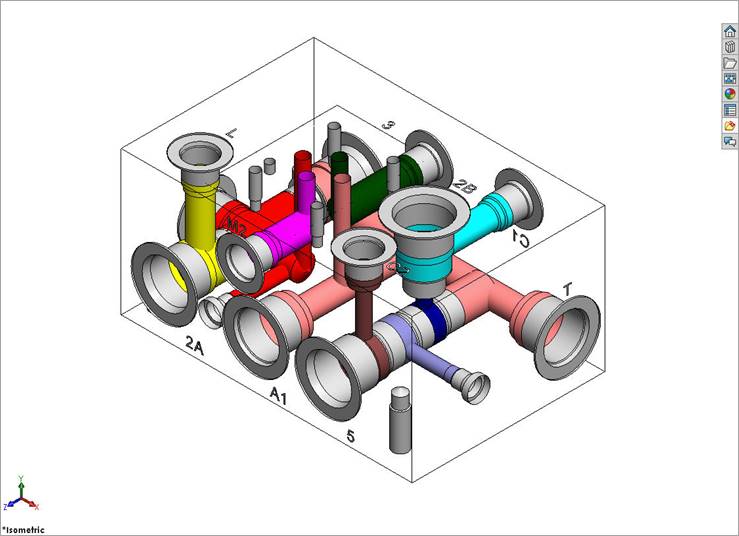
Manifold converted to Virtual Design mode
Note:
· Constrained cavities will be unconstrained when converting the manifold.
· Attached stamping texts will be detached from the parent cavity after converting.
· An O-ring groove inserted in the Virtual design mode is also converted to a feature.
· All errors during the Design Mode conversion will be listed at the end of the process. If required, save the list of cavities with errors as a Text file.
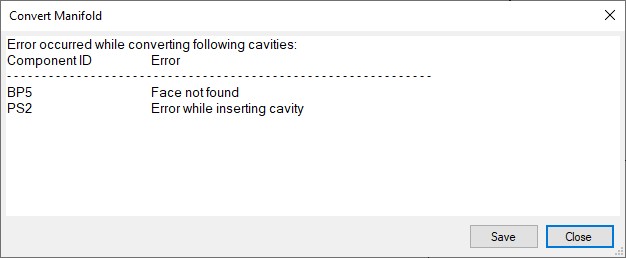
Convert Manifold Error Log