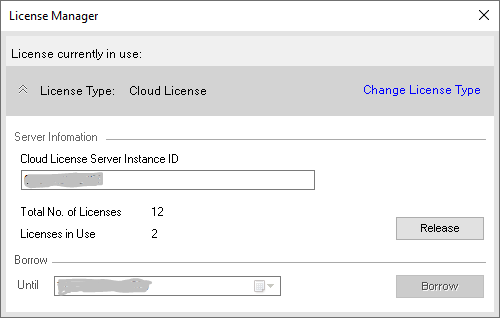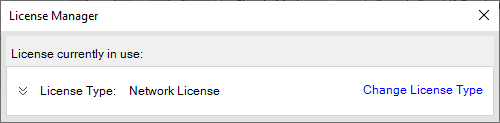
Change License Type
Change from Network License to Cloud License or vice versa.
From the MDTools 985 Part Model, Drawing, or Assembly ribbon/drop-down menu.
Start > MDTools 985 > License Manager
The License Manager dialog box displays.
License Type displays the current selection.
Click on the Expand icon  before License Type to view/modify current license details.
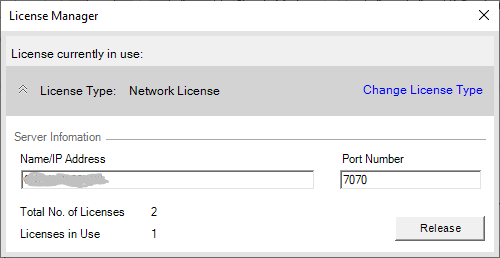
Click Change License Type to change the current License Model type.
Click Yes for the warning message "Your existing License will be released. Do you want to Continue?".
License Options dialog displays other options to Choose.
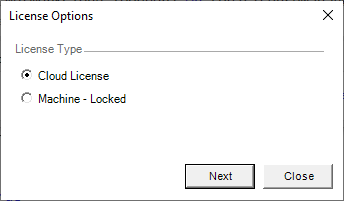
Select appropriate license type.
Click Next.
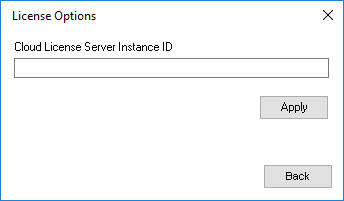
Enter License details according to the License Model selected.
Click Apply to activate License.
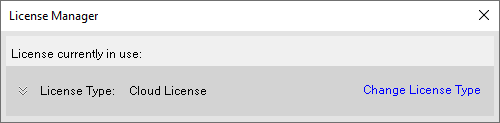
License Manager dialog displays the changed (current) License Type.
Click on the Expand  option in License Manager dialog to view/modify current license details.