
Rename Library
1. MDTools Library Manager ribbon > Cavities > Manage Libraries
The Manage Libraries dialog displays.
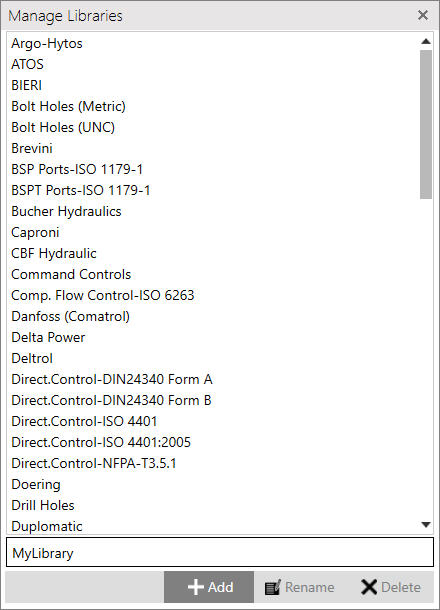
2. Select the library you want to rename.
3. Enter the new name in the text box below the list of library names.
4. Click Rename to rename the library with the new name entered in the text box.
A message box displays.
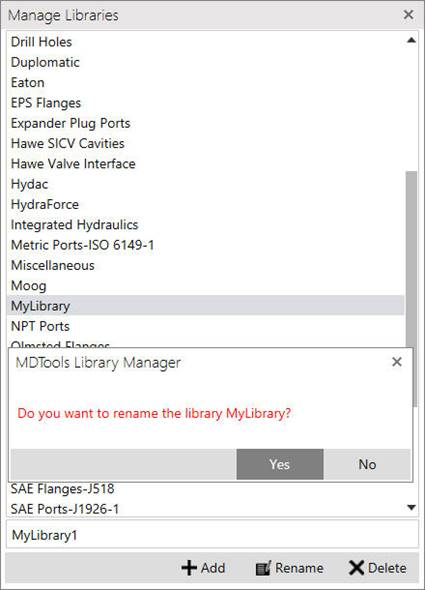
5. Check the library name mentioned in the message box to make sure that the correct library is selected for renaming.
6. Click Yes to rename the library.
The library is renamed, and the new name displays in the Manage Libraries list.