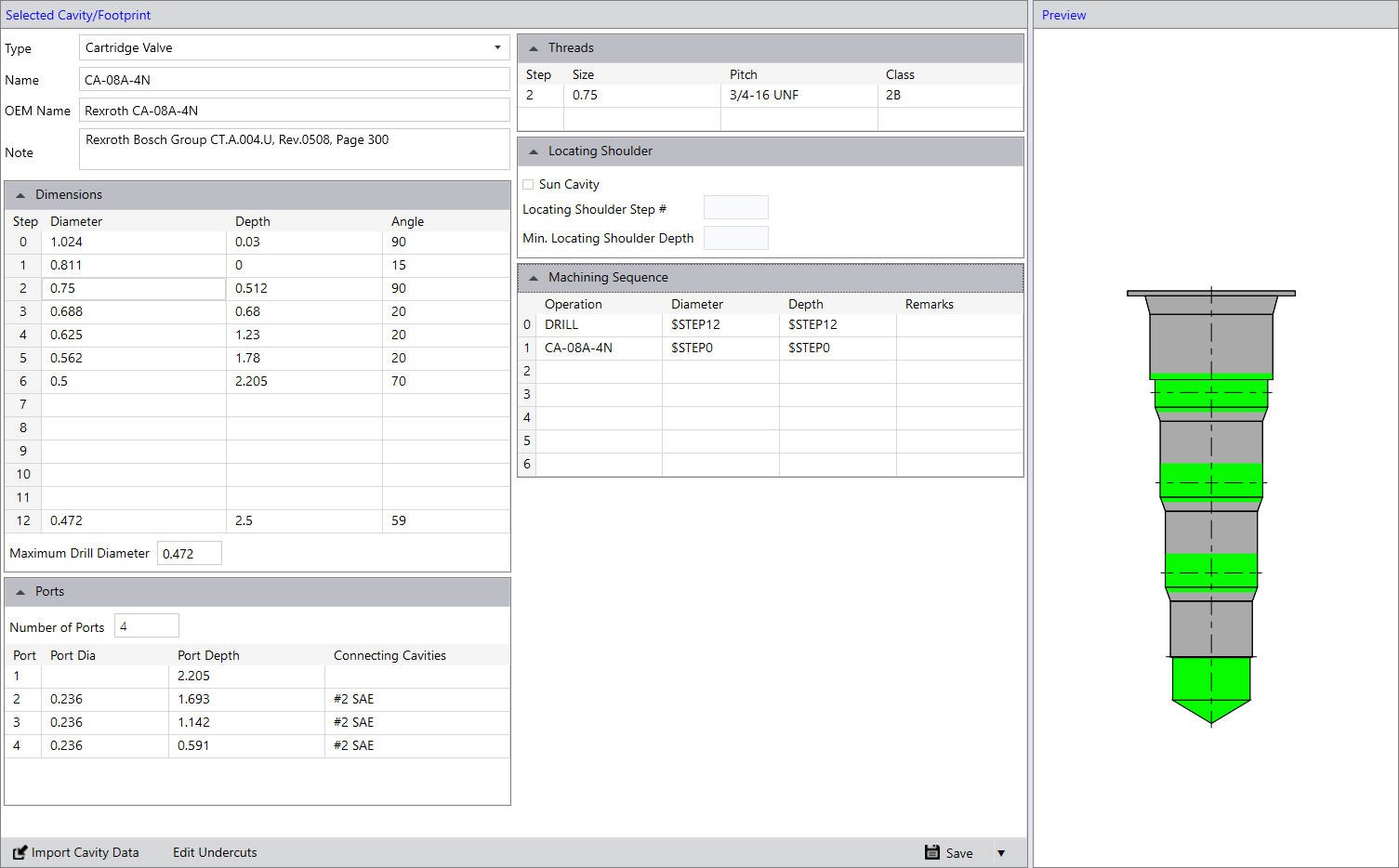
Selected Cavity/Footprint Section
The Selected Cavity/Footprint section includes:
Type
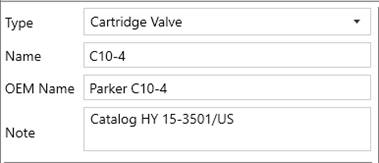
Select the Cavity Type.
The five different types of cavities in MDTools® are:
· Cartridge Valve Cavity
· Port
· Drill Hole
· Bolt Hole
· Flange
· Interface pattern
Name
Name of the cavity to be displayed in the Cavity/Footprints list and the Insert Cavity dialog box.
OEM Name
Name of the OEM and name of the cavity/footprint used by the OEM to identify the cavity.
Note
Enter any notes about the cavity.
Dimensions
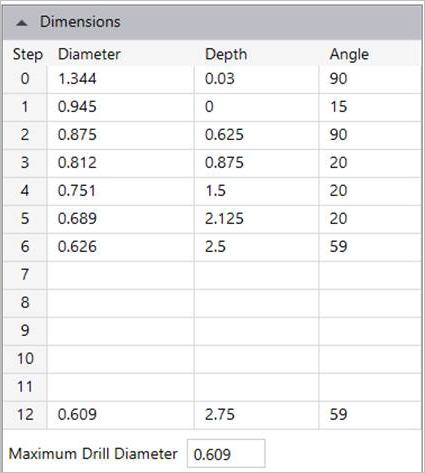
Step0 through Step12 for entering the cavity geometry dimensions. Pilot drill dimensions should be entered in Step12.
Maximum Drill Diameter
Enter the maximum drill diameter allowed for the cavity.
Ports
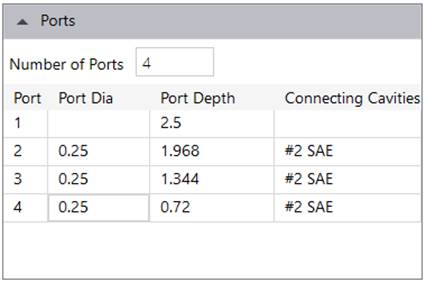
Enter the cartridge valve port dimensions and locations.
Threads
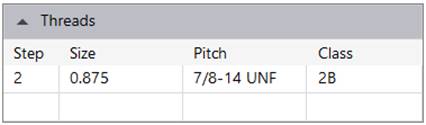
Enter the thread details for the cavity.
Locating Shoulder
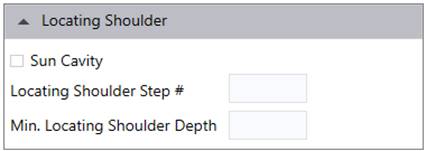
Enter the Locating shoulder details, if applicable.
Machining Sequence
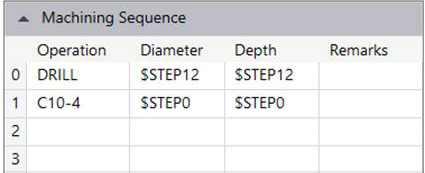
Enter the cavity machining detail.
Maximum number of operations in a cavity is seven.
Import Cavity Data
Imports other cavity data to this cavity.
Edit Undercuts
Stores the details of Mandatory and Optional Undercut for the Cartridge Valve cavity.
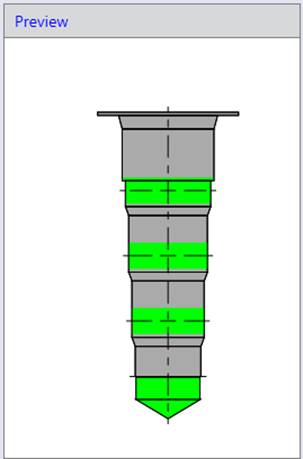
Preview
Shows the preview of the cavity.